Start from one image
Use your own art, or describe the character and let Img2D draw it. Donatello builds a 3D model with a skeleton from it, right on your GPU.
2D character studio · runs on your computer
Donatello turns a single image of your character into animated sprite sheets, Spine & DragonBones characters or pixel-art animations — all on your own machine.
Use your own art, or describe the character and let Img2D draw it. Donatello builds a 3D model with a skeleton from it, right on your GPU.
Walks, runs, idles, attacks, flights and more, matched to your character's body. Bring your own FBX, GLB, BVH or Spine animations too.
Sprite sheets with Aseprite, TexturePacker, Sparrow or JSON data — or a bone-driven character for Spine and DragonBones.
Made with Donatello
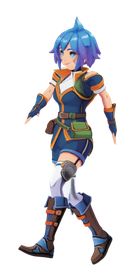
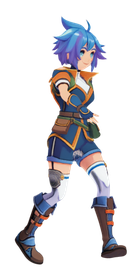
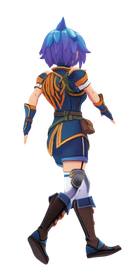
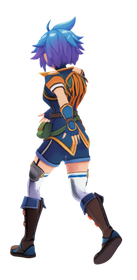
Every animation below was exported from the example projects that come with Donatello. Open them yourself, change the look, and export them in minutes.
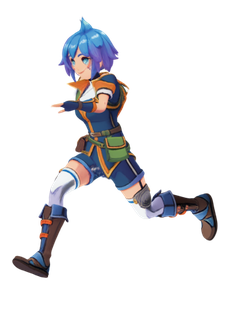
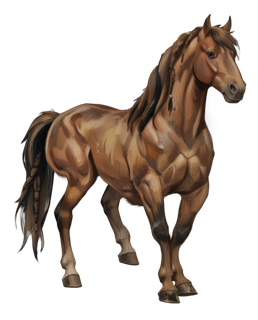
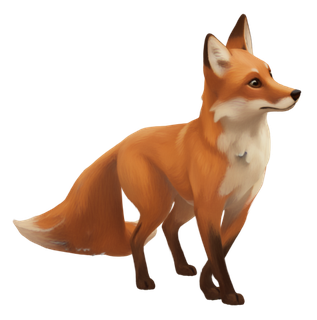
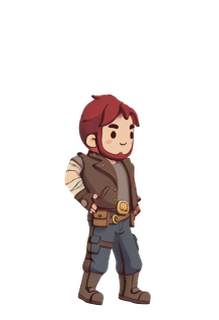
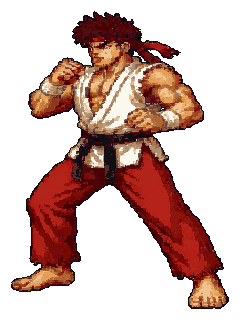
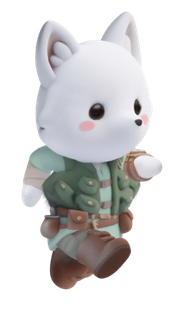
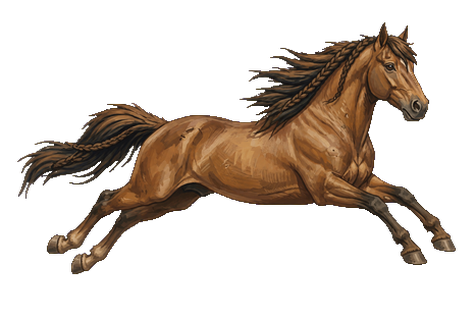
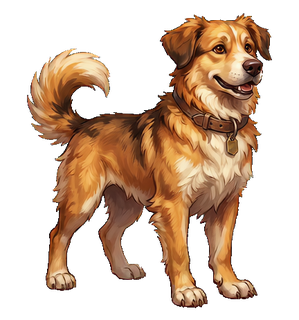
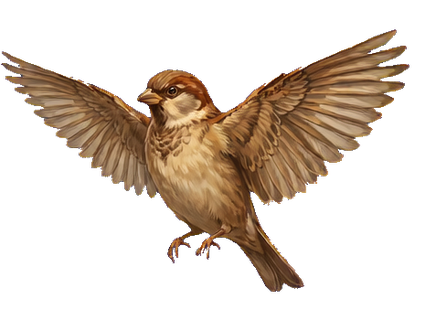
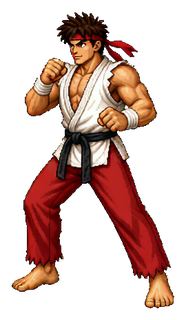
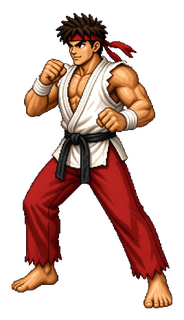
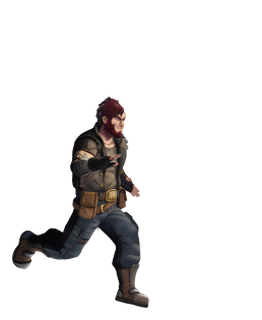
What you can make
One project can hold all three. Switch whenever you like — nothing is lost.
Frame by frame
Your character animated from 1, 4 or 8 directions, with the framing locked so it never shifts between views.
Great for pixel art, top-down and side-scrolling games.
Bone-driven
A cut-out character with a 2D skeleton for Spine and DragonBones: smooth motion, small files and animation blending in your engine.
Great for platformers, fighters and games that blend animations.
Straight from an image
Describe an action — "swings a sword", "gallops", "flaps its wings" — and Donatello animates your image directly.
Great for creatures, effects and signature moves.
Characters it handles
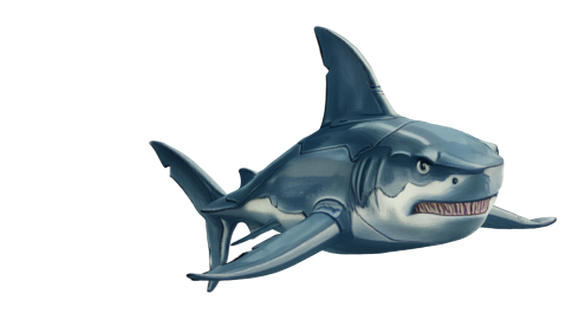
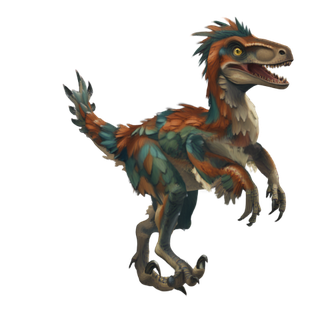
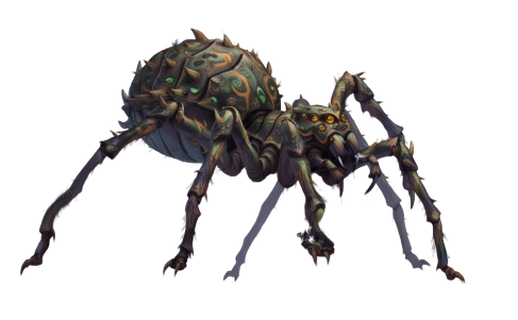
Humanoid characters get the most reliable results on every path. Animals and creatures work as well: Vid2Sprite animates any body shape today, and sprite sheets and Skeletal 2D for creatures are available as an experimental feature — they already produce results like the horse, dog, spider, sparrow and shark above, and they keep improving.
| Sprite sheets | Skeletal 2D | Vid2Sprite | |
|---|---|---|---|
| Humanoids people, heroes, monsters on two legs | Supported | Supported | Supported |
| Animals & creatures four-legged, birds, fish, dinosaurs, spiders | Experimental | Experimental | Supported |
| Objects & effects flags, props, magic, fire | — | — | Supported |
How it works
Start wherever you are: with a drawing, a description, or a project you saved yesterday.
Use your own drawing, or describe the character and let Img2D create it — with optional pixel-art and anime styles.
Donatello builds a 3D model with a skeleton in a few minutes. Rotate it freely to show which way it faces, and you are set.
A sprite sheet (views, look, frame rate), a Skeletal 2D character — or skip 3D entirely and animate the image with Vid2Sprite.
Browse the library or add your own FBX, GLB, BVH or Spine files. Fine-tune the feel with sliders. Optional third-party plugins can create extra 3D animations on your computer; you install them yourself.
Write the files your engine reads, and keep everything in one project file to pick up where you left off.
Details that matter
Classic palettes (AAP-64, Endesga, Sweetie 16, Gameboy…) or your own, dithering, outlines and pixel cleanup — with one palette shared by every frame.
Generated models can come out turned any way. Rotate freely, click Set as front, and every view means what you expect.
Drop in FBX, GLB, glTF, BVH or Spine animations. Different skeleton? Donatello matches the joints, and asks you only when it is unsure.
The Plugins tab can run public third-party tools that create 3D animations on your computer. Donatello does not include those tools or their model weights. Install one you trust, save the file it makes, and add it like any other animation. Each plugin keeps its own licence.
Speed, amplitude, bounce, squash & stretch, follow-through and smoothing — adjust each animation live, without starting over.
The model, sprite sheets, Skeletal 2D character and clips live together in one file. Example projects are included to explore.
AI models download once, on demand, with their size shown first. After that everything runs offline, and you can free the space any time.
Where it lands
Sprite sheets and data formats that game engines and tools read directly.
Why Donatello
| Donatello | Cloud generators | Animating by hand | |
|---|---|---|---|
| Cost | Pay once | Subscription or credits | Your hours |
| Where it runs | Your computer | Someone else's servers | Your computer |
| Your art | Never uploaded | Uploaded | Stays with you |
| What you get | Sprite sheets, Spine / DragonBones characters, animated sprites | Usually images or videos | Whatever you draw and rig |
| Animations | Library or your own files. Optional plugins are separate | One clip at a time | Keyed frame by frame |
| Time to a first animation | Minutes | Minutes, plus waiting in a queue | Hours to days |
On your GPU
The AI features run on the graphics chip in your computer. NVIDIA CUDA, Apple silicon, and AMD ROCm are all supported. These are the minimums for that acceleration. macOS requires Apple silicon.
| NVIDIA CUDA | Apple silicon | AMD ROCm | |
|---|---|---|---|
| Minimum GPU | GeForce GTX 1070 or newer | M1 or newer | Radeon RX 6000 series or newer (RDNA 2) |
| VRAM | 8 GB | Shared with system memory | 8 GB |
| Memory | 16 GB RAM | 16 GB unified memory | 16 GB RAM |
Vid2Sprite needs those floors. Its faster profile wants 12 GB of VRAM. Auto-rigging animals and creatures wants 14 GB of VRAM on NVIDIA or AMD. The app checks your machine before each download. Exporting, the animation library, and opening projects run on ordinary hardware.
Questions
No subscription and no credits. You only need a connection to download the AI models the first time you use each feature. After that Donatello works offline, and your images and characters are never uploaded.
Sprite sheets for frame-by-frame games, pixel art and several directions per animation. Skeletal 2D for smooth, bone-driven characters in Spine or DragonBones. Vid2Sprite for animals, creatures, effects and one-off actions. One project can hold all three.
Yes. Vid2Sprite animates any body shape and is the recommended route for creatures. Sprite sheets and Skeletal 2D also support four-legged animals, birds, fish, dinosaurs and spiders as an experimental feature — see the horse, dog, spider, sparrow and shark examples above. Humanoid characters get the most reliable results on every path.
The built-in ways to add motion are the animation library and your own FBX, GLB, glTF, BVH or Spine files. The Plugins tab can also run optional third-party programs that you install yourself. Donatello does not ship those programs or their model weights, and it is not affiliated with them. A plugin saves an animation file; you add that file to your character the same way as any other. Read each plugin's licence before you use the result, especially in a commercial game.
Donatello builds the 3D model itself from a single image, because its 2D results use extra information it creates while generating. What you can import are animations: FBX, GLB, glTF, BVH and Spine files.
The examples above are straight exports. You can refine characters inside the app — layers, joint matching, animation sliders — and, like any asset, polish them further in Spine, Aseprite or your usual editor if you want to.
NVIDIA CUDA: GeForce GTX 1070 or newer, 8 GB of VRAM and 16 GB of RAM. Apple silicon: M1 or newer with 16 GB of unified memory. AMD ROCm: Radeon RX 6000 series or newer (RDNA 2), 8 GB of VRAM and 16 GB of RAM. Vid2Sprite needs those floors; its faster profile wants 12 GB of VRAM, and auto-rigging creatures wants 14 GB of VRAM on NVIDIA or AMD. Each AI feature tells you whether it runs well on your machine before you download it. Exporting, the animation library and opening projects work on ordinary hardware.
Yes for what Donatello itself creates. You own that work. The AI models Donatello downloads allow commercial use under their licences; the details are listed in the app. You are responsible for the rights to any images or animations you bring in. Optional third-party plugins are not part of that set: their own terms apply, and some do not allow commercial use.
No. Donatello writes Spine JSON and DragonBones JSON files. To use Spine files with Esoteric Software's runtime or editor, you need their licence. Donatello is not affiliated with Spine or DragonBones.
Coming to Steam
Get notified when it launches.
Wishlist on Steam